Best Smart Plugs for Home Automation
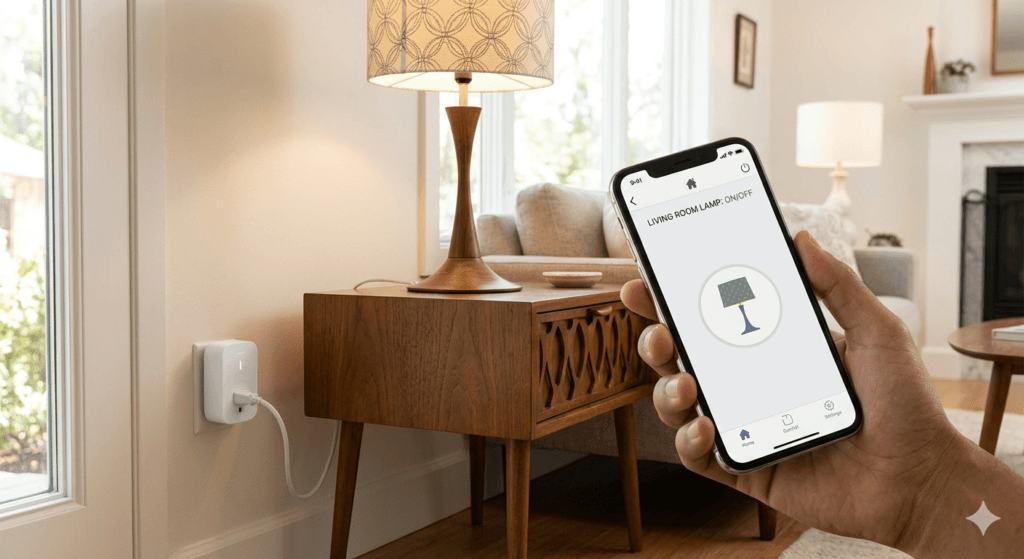
In today’s connected world, making your home smarter has never been easier. One of the simplest ways to start is with a smart plug. These little devices allow you to control appliances, lights, and gadgets from your phone or voice assistant—turning an ordinary home into a modern smart home.
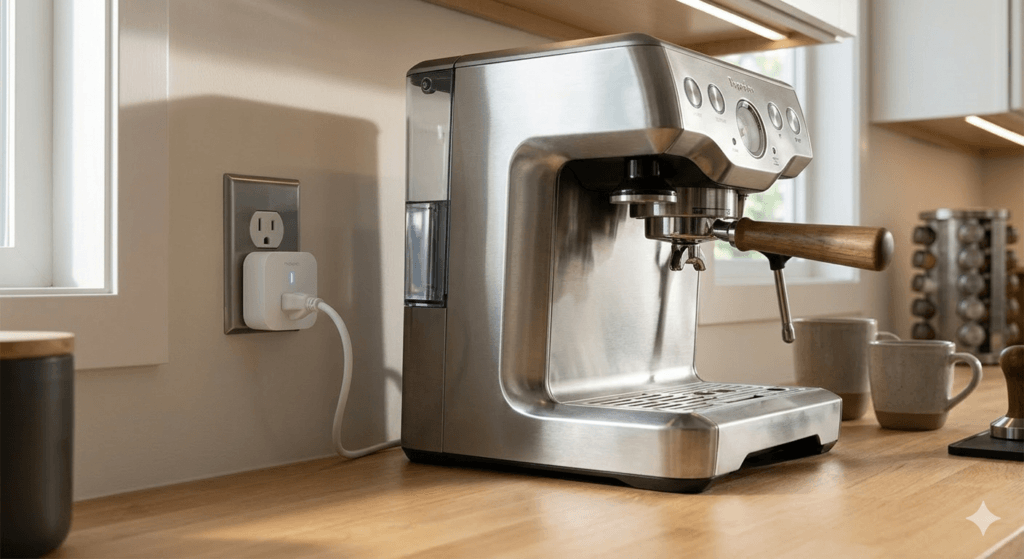
Whether you’re looking to schedule your coffee maker, reduce energy costs, or automate your lights, a smart plug can help you do it. But with dozens of options on the market, how do you choose the best one? In this article, we’ve reviewed the top smart plugs for home automation, highlighting key features, pros and cons, and which type of user each is best suited for.
Best Smart Plugs (Top Picks)
Here’s a closer look at the top smart plugs you should consider for home automation.
TP-Link Kasa Smart Plug HS103 Review
Overview:
The TP-Link Kasa HS103 is a compact, reliable smart plug that works with both Alexa and Google Assistant. It’s perfect for controlling lamps, fans, and other small appliances from your smartphone.
Key Features:
- Remote control via Kasa app
- Voice control (Alexa, Google Assistant)
- Scheduling and timers
- No hub required
Pros:
- Compact design fits tight spaces
- Easy to set up
- Reliable app and connectivity
Cons:
- No Apple HomeKit support
- Limited energy monitoring
Best For:
Users who want a straightforward, reliable smart plug with broad compatibility.
Amazon Smart Plug Review
Overview:
The Amazon Smart Plug is designed for Alexa users. With minimal setup, you can control devices with your voice or the Alexa app.
Key Features:
- Alexa voice control
- Simple plug-and-play setup
- Scheduling and routines
Pros:
- Works seamlessly with Alexa
- Very easy setup
- Affordable
Cons:
- Only works with Alexa
- No energy monitoring
Best For:
Alexa users who want a plug-and-play solution without extra apps or hubs.
Wemo Mini Smart Plug Review

Overview:
Wemo Mini offers smart control for lights and appliances with a small footprint. It’s a great choice for apartments or homes where space is limited.
Key Features:
- App and voice control
- Compatible with Alexa, Google Assistant, Apple HomeKit
- Scheduling, timers, and away mode
Pros:
- Compact size
- Wide compatibility
- Reliable connectivity
Cons:
- Slightly more expensive
- App can be less intuitive
Best For:
Those needing a versatile smart plug in a small space.
Gosund Mini WiFi Plug Review
Overview:
Gosund Mini is an affordable option that offers most of the features found in premium plugs. Perfect for starting home automation on a budget.
Key Features:
- Remote control via app
- Alexa and Google Assistant support
- Scheduling and countdown timers
Pros:
- Budget-friendly
- Compact design
- Easy automation
Cons:
- Limited durability
- No Apple HomeKit support
Best For:
Budget-conscious users or first-time smart home adopters.
Meross Smart Plug Review
Overview:
Meross plugs support multiple platforms, including Alexa, Google Assistant, and Apple HomeKit. They’re versatile and reliable for multi-ecosystem smart homes.
Key Features:
- Voice control across major platforms
- Scheduling and timers
- Away mode for security
Pros:
- Multi-platform compatibility
- Affordable HomeKit option
- Easy setup
Cons:
- Slightly larger design
- No energy monitoring on some models
Best For:
Users with a mixed smart home ecosystem.
Eve Energy Smart Plug Review
Overview:
Eve Energy is ideal for Apple users. It offers advanced energy monitoring and full HomeKit integration.
Key Features:
- Energy consumption tracking
- Apple HomeKit integration
- Automation and scheduling
Pros:
- Detailed energy reports
- Works seamlessly with iPhone and iPad
- Reliable and secure
Cons:
- Expensive
- Limited to Apple ecosystem
Best For:
Apple ecosystem users who want energy insights and automation.
Home iSP6X Smart Plug Review
Overview:
The iHome iSP6X is a solid all-around smart plug. It’s easy to set up and works with Alexa and Google Assistant.
Key Features:
- App and voice control
- Remote control and scheduling
- Compact design
Pros:
- Reliable brand
- Simple setup
- Compatible with multiple voice assistants
Cons:
- No Apple HomeKit support
- Basic energy monitoring
Best For:
Beginners seeking a trusted brand for smart home entry.
Buying Guide: How to Choose the Best Smart Plug
Choosing a smart plug isn’t just about picking the most popular brand. Here’s what to consider:
Key Features to Look For
- Voice Assistant Compatibility – Make sure the plug works with Alexa, Google Assistant, or HomeKit depending on your smart home ecosystem.
- Scheduling & Automation – Look for plugs that allow timers, schedules, and automation routines.
- Energy Monitoring – Helpful for tracking energy usage and saving on electricity bills.
- Compact Size – Ensure the plug won’t block adjacent outlets.
- App Reliability – A stable app ensures smooth remote control and updates.
- Hub Requirements – Most modern plugs are hub-free, but some may require a hub for advanced features.
Common Mistakes to Avoid
- Buying a plug that doesn’t support your voice assistant
- Ignoring size; bulky plugs can block other sockets
- Overlooking energy monitoring if that’s important
- Assuming all smart plugs are universally compatible
Frequently Asked Questions (FAQ)
Q1: Can I use smart plugs without Wi-Fi?
Most smart plugs require Wi-Fi for remote control, scheduling, and app access. Some can function with local control via voice assistants only.
Q2: Are smart plugs safe to use with high-power appliances?
Check the maximum wattage rating. Most are safe for lamps, fans, and electronics, but avoid high-draw appliances like ovens unless specified.
Q3: Do smart plugs consume electricity themselves?
Yes, but very minimal—usually under 1W. Energy savings from smart scheduling outweigh the plug’s small usage.
Q4: Can I control smart plugs when I’m away from home?
Yes. If your plug is connected to Wi-Fi, you can control it remotely through the manufacturer’s app.
Q5: Can multiple smart plugs be controlled together?
Yes, many apps allow you to group plugs and control them simultaneously, perfect for lights or seasonal setups.
Final Verdict
The best smart plug depends on your ecosystem and needs:
- For Alexa Users: Amazon Smart Plug – simple, reliable, plug-and-play.
- For Apple Users: Eve Energy – detailed energy monitoring and HomeKit integration.
- For Budget-Friendly Automation: Gosund Mini – affordable and capable.
- For Multi-Platform Homes: Meross – works across Alexa, Google, and HomeKit.
- For Small Spaces: Wemo Mini – compact and versatile.
Smart plugs are an easy, affordable entry point into home automation. Whether you want to save energy, automate your appliances, or just make your life a little easier, there’s a smart plug that fits your needs.
Please choose display type!